How to create Bybit API Keys
To create Bybit API keys, please follow steps as follows.
If you already have an Bybit account
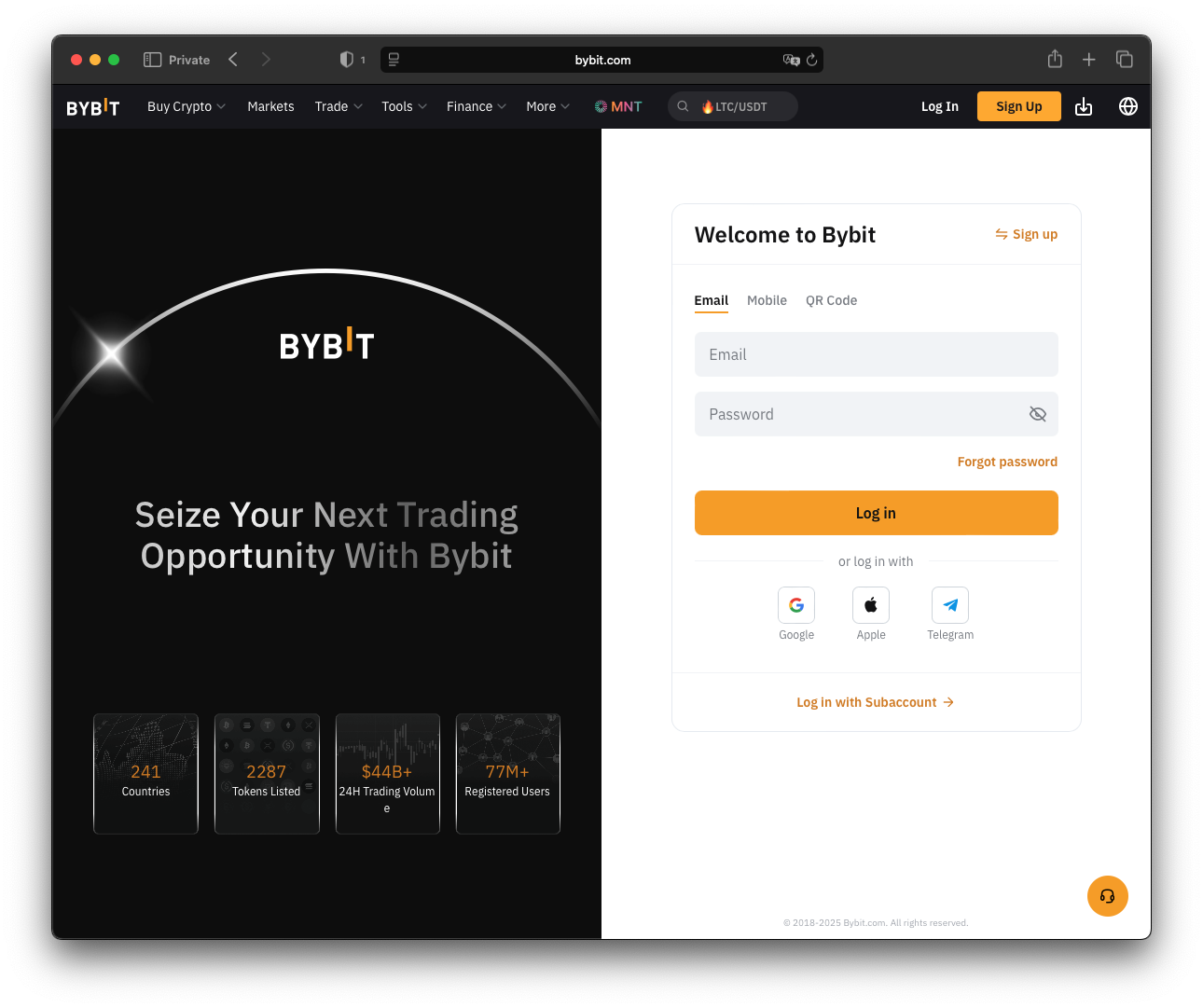
Then please log in
Create API key
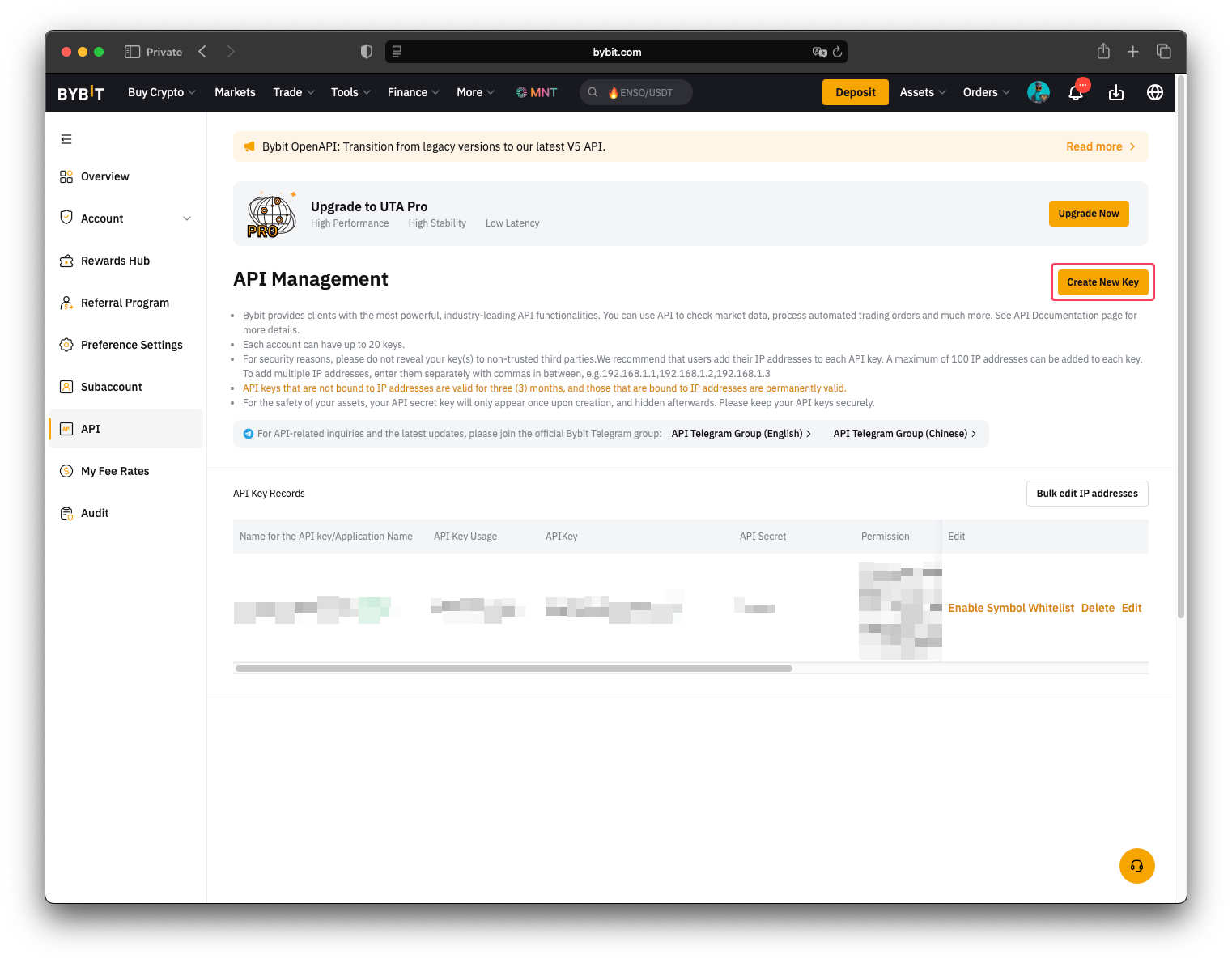
- Go to API keys page

- Click on "Create API Key" button
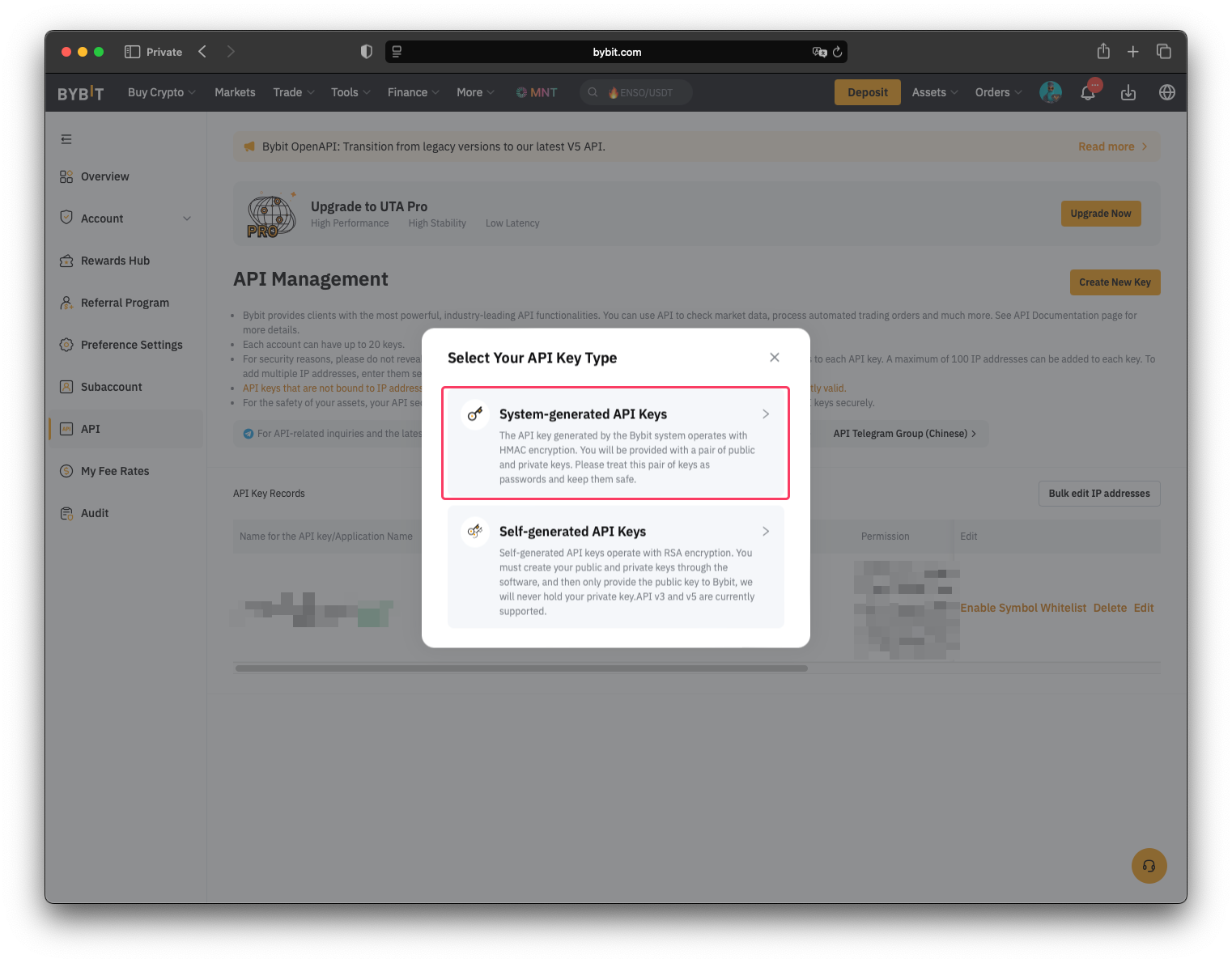
- Click on "System-generated API Keys"
- Fill in the form as shown below:
- "API Key Usage" set to "Connect to Third-Party Applications"
- "Name for the API key" is any string related to the key usage
- "API Key Permissions" is "Read-Write"
- Select "Only IPs with permissions granted are allowed to access the OpenAPI". And text edit
should be filled with comma separated list of IP addresses as follows:
103.54.18.200,83.136.233.215,145.223.117.141 - And finally select "Unified Trading" which automatically includes "Contract", "USDC Contracts" and "SPOT"
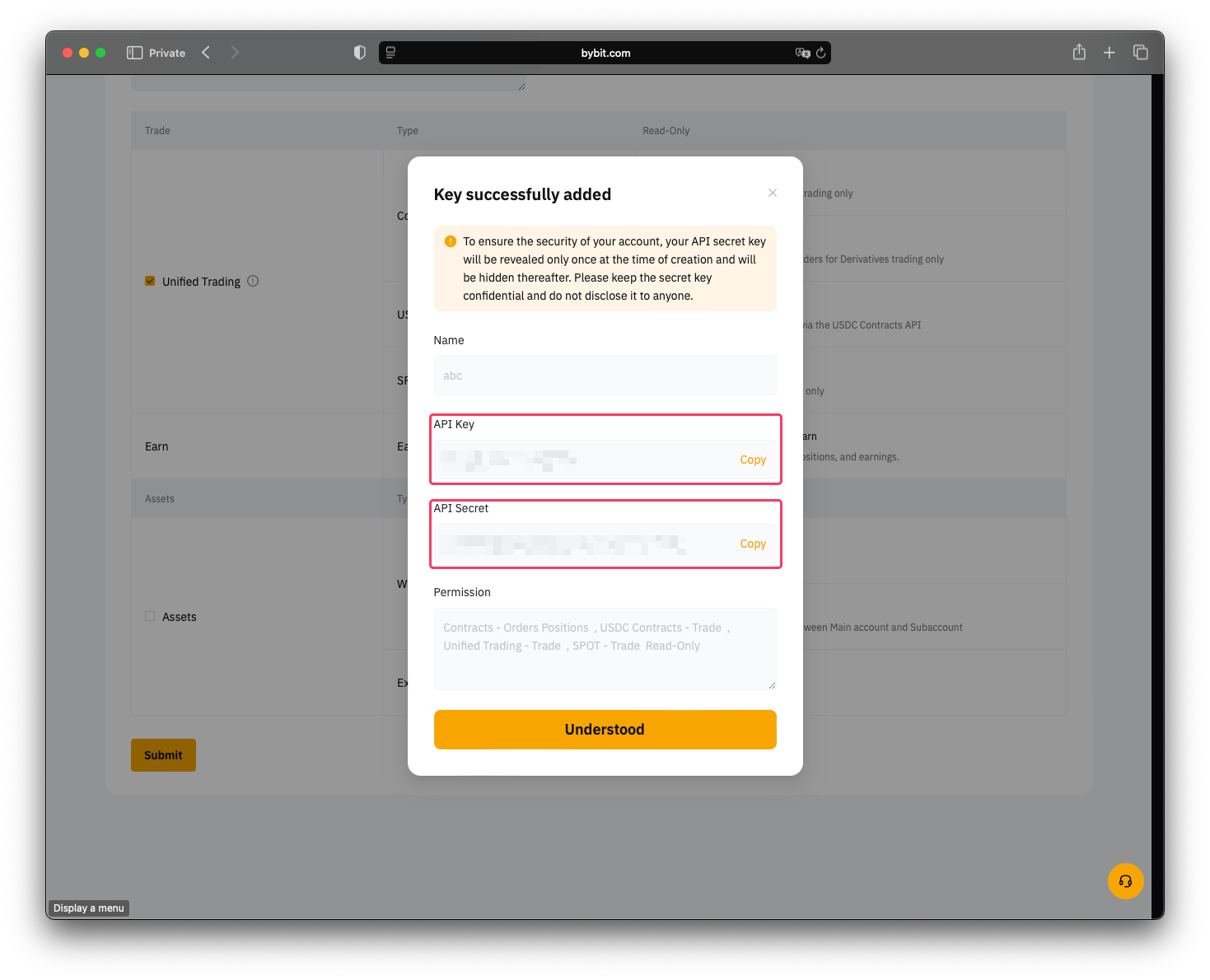
- Then please share with our support team "API key" and "API Secret key"
Telegram bot
Then go to pmpal telegram bot for further instructions.